


If a chicken thigh has a bone you won't eat, skin you might leave behind, and oil you can't see, what does "calories per thigh" tell you? Less than you might expect. A useful estimate starts by separating edible meat, skin, and cooking additions, then matching each part to the way it was measured.
Table of Contents
- Why Chicken Thigh Calories Are Hard to Guess
- The Variables Behind Every Thigh Estimate
- Comparing Bone-In Skin-On and Skinless Thighs
- How to Estimate One Thigh From a Database Entry
- How Cooking Changes the Final Meal
- Using Photo Scanning to Log Chicken Thighs
- A Practical Checklist for More Consistent Tracking
Why Chicken Thigh Calories Are Hard to Guess
You're looking at a roasted chicken thigh on your plate. Your tracking app offers entries for roasted thigh, boneless thigh, meat only, and meat with skin. They all sound plausible, but you don't know whether the serving size includes the bone or the oil used in the pan.
That's the everyday problem with searching for chicken thighs calories. The food you see isn't necessarily the portion described in a database. A whole piece on a plate and a weighed serving of edible chicken answer different questions.
Start with what you actually eat
Think of the thigh as separate components rather than a fixed calorie package:
- Meat: Match the preparation and weight to the database entry.
- Skin: Include it if you eat it, not just because it was attached during cooking.
- Bone: Keep it out of an edible-weight calculation.
- Cooking additions: Account for oil, breading, glaze, or sauce when they're part of the meal.
A photograph can show the outline of a piece, but it doesn't establish how much meat surrounds the bone. A browned surface also doesn't tell you exactly what went into the pan.
This visual separates the visible piece from the portion you'll log.
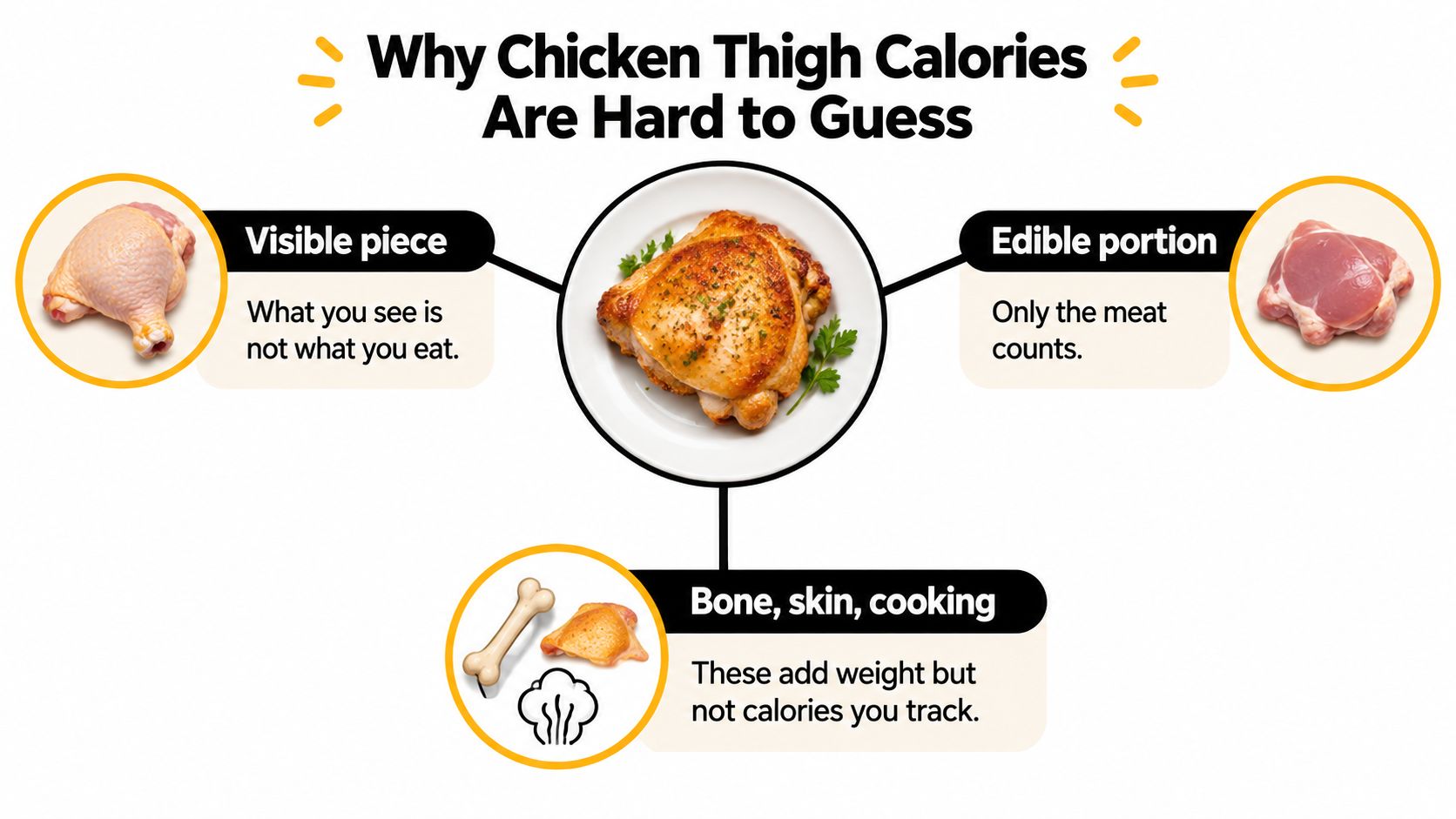
Read the visual's simplified labels carefully: skin and cooking ingredients count when eaten, not just meat. The useful distinction is between what you consume and what remains on the plate.
Practical rule: Describe the serving before choosing the calorie entry.
For example, “roasted thigh, skin eaten, bone excluded” gives you a much clearer starting point than “chicken thigh.” You don't need a perfect description of dinner. You need enough detail to avoid choosing an entry for a different food or a different kind of weight.
The Variables Behind Every Thigh Estimate
Raw and cooked weights aren't interchangeable. Cooking removes moisture, so a cooked portion can contain more calories per unit of weight without the cooking process creating calories inside the meat.
For context, a USDA-linked entry lists raw boneless, skinless thigh at approximately 149 calories, 18.6 grams of protein, and 7.9 grams of fat per 100 grams; a separate roasted meat-only entry lists approximately 150 calories and 21 grams of protein per 3-ounce, 85-gram serving, according to these chicken thigh nutrition entries. These are different reference foods and serving sizes, not a before-and-after experiment on the same thigh.
Match the measurement before comparing
If you weigh chicken straight from its package, choose a raw entry that matches the product. If you weigh the edible portion after roasting, choose a cooked entry. Don't apply the cooked value to the raw package weight just because both entries say “thigh.”
The same attention to food description is useful when checking calories in sliced turkey breast. The name of the food is only the beginning of a useful match.
These are the main distinctions to check before selecting a serving.
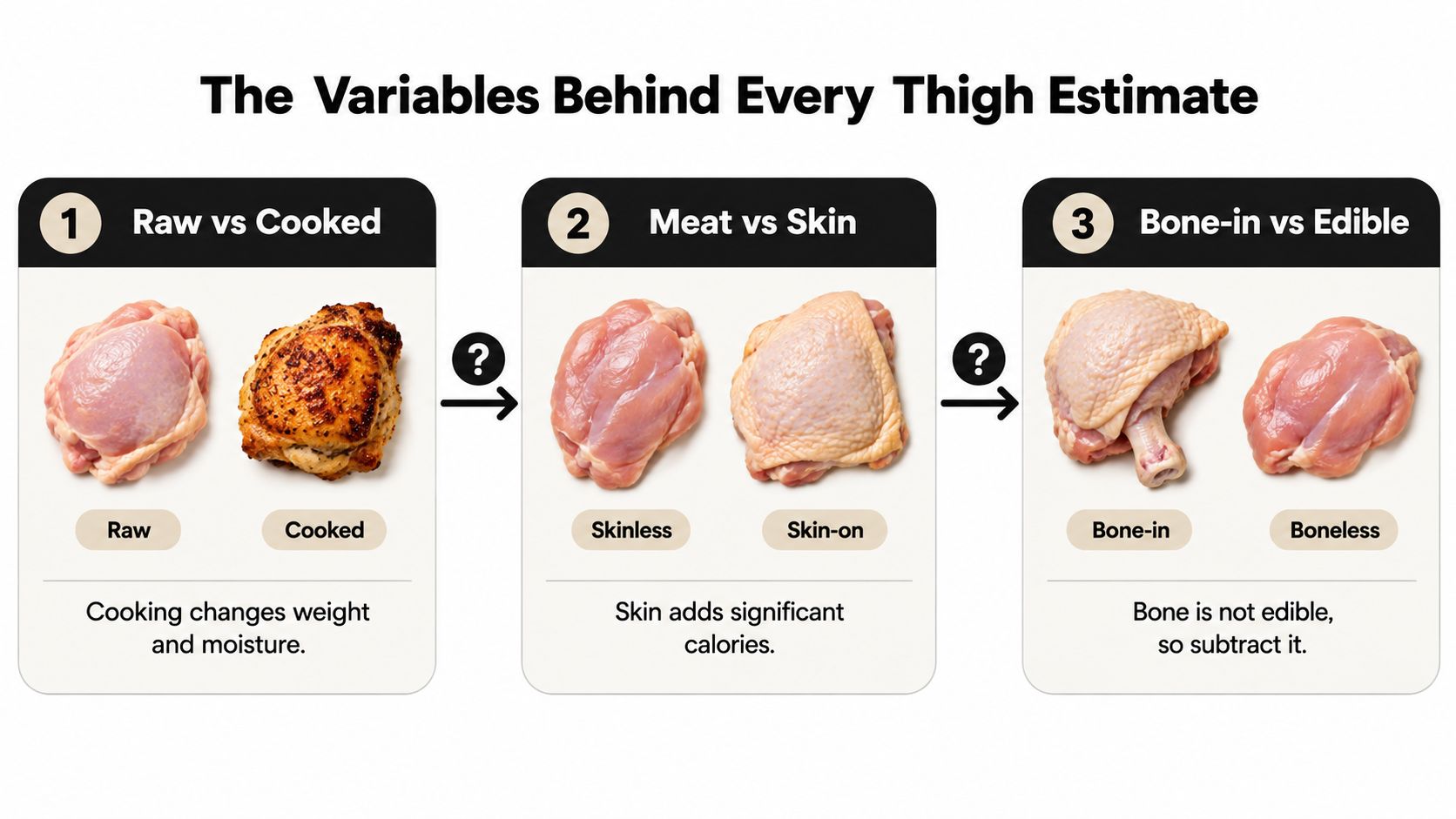
- Raw versus cooked: Use the state that matches when you weighed the food.
- Meat versus meat and skin: Select the parts you'll consume.
- Whole piece versus edible portion: Check whether your weight includes something you'll discard.
- Plain versus enhanced: Look for package wording about added solution or broth.
Product descriptions matter too
A thigh sold with added solution isn't necessarily equivalent to a plain thigh, even after both have been roasted. Added water or broth changes the product's composition and the weight represented by a serving. That's why an entry with a more detailed description may be more useful than the first search result.
Consider plain roasted chicken beside chicken brushed with sauce. You might serve the same-looking amount of meat, but the sauced version needs an ingredient decision beyond the chicken entry. Neither meal is a tracking mistake, provided you describe it accurately.
Match first, calculate second. A carefully measured portion won't rescue an entry that describes a different preparation.
Comparing Bone-In Skin-On and Skinless Thighs
Bone-in and skin-on describe different things. Bone-in tells you there's a non-edible component attached. Skin-on tells you there's an edible component that needs to be included if you eat it.
Boneless chicken is simpler to weigh because you don't have to separate out a bone. It isn't automatically a different calorie density from otherwise comparable edible meat. The important comparison is what's left after the non-edible portion is excluded.
Chicken thigh calorie comparison
The following roasted reference values are reported in USDA-linked chicken thigh nutrition data: approximately 232 kcal per 100 g for meat and skin, approximately 318 kcal for a 137 g edible skin-on portion, and approximately 208 kcal per 100 g for meat without skin. The table uses those reference values, with each example weight explicitly treated as edible food.
| Form | Calories per 100 g | Example piece | Calories for example piece |
|---|---|---|---|
| Roasted thigh meat and skin, bone excluded | Approximately 232 kcal | 137 g edible skin-on portion | Approximately 318 kcal |
| Roasted thigh meat without skin, bone excluded | Approximately 208 kcal | Portion weighing 100 g | Approximately 208 kcal |
| Whole bone-in thigh as weighed on the plate | Not directly applicable to whole-piece weight | Edible amount not yet established | Estimate after excluding bone |
The example portions aren't standardized thigh sizes. They illustrate how an edible serving relates to a reference value. Your thigh may contain a different amount of meat, so “per piece” should never be read as a promise about every piece you buy.
What the comparison does and doesn't show
The skin-on entry has a higher energy density because of the fat associated with the skin. That doesn't mean you need to avoid it. It means your food log should distinguish between eating the skin and leaving it behind.
Likewise, a boneless, skinless portion isn't calorie-free beyond its protein. Removing skin changes the relevant entry, but it doesn't turn thigh meat into a different cut. Choose the description that fits rather than the lowest number available.
A database portion is a reference serving, not a measurement of the chicken on your plate.
A useful comparison holds the measurement basis steady. Compare edible cooked meat with edible cooked meat, or edible meat and skin with another portion that includes skin. Comparing a whole bone-in piece with a boneless serving by weight introduces a mismatch before you even consider calories.
If you routinely cook bone-in thighs, separating the edible portion before weighing is a straightforward option. If you prefer to eat the piece intact, you can still estimate, but recognize that the whole-piece weight doesn't directly supply the amount to enter.
The practical choice isn't “bone-in or boneless is better.” It's which reference matches the food and measurement you have.
How to Estimate One Thigh From a Database Entry
Open the full food description before tapping “save.” A search result labeled “chicken thigh” may hide the details you need in its serving menu: raw or roasted, meat only or meat and skin, grams or a database-defined piece.
Start with the closest preparation, then check the serving unit. If you have a kitchen scale, using edible grams lets you adjust the reference to your own portion rather than accepting an unspecified thigh size.
Apply the entry to your portion
The calculation is straightforward:
Estimated chicken calories = edible portion weight ÷ reference weight × reference calories.
For the skin-on roasted example in the comparison above, use the meat-and-skin reference with the edible skin-on weight. For a skinless roasted thigh, use the meat-only reference with the weight of the meat you'll eat. Don't reuse the skin-on portion weight after removing part of the food.
This is also why a serving label deserves a second look. A database may offer both a weight-based serving and a named piece. If the named piece doesn't match your measurement, choose grams instead.
The workflow is easier to follow when you separate food selection from portion adjustment.
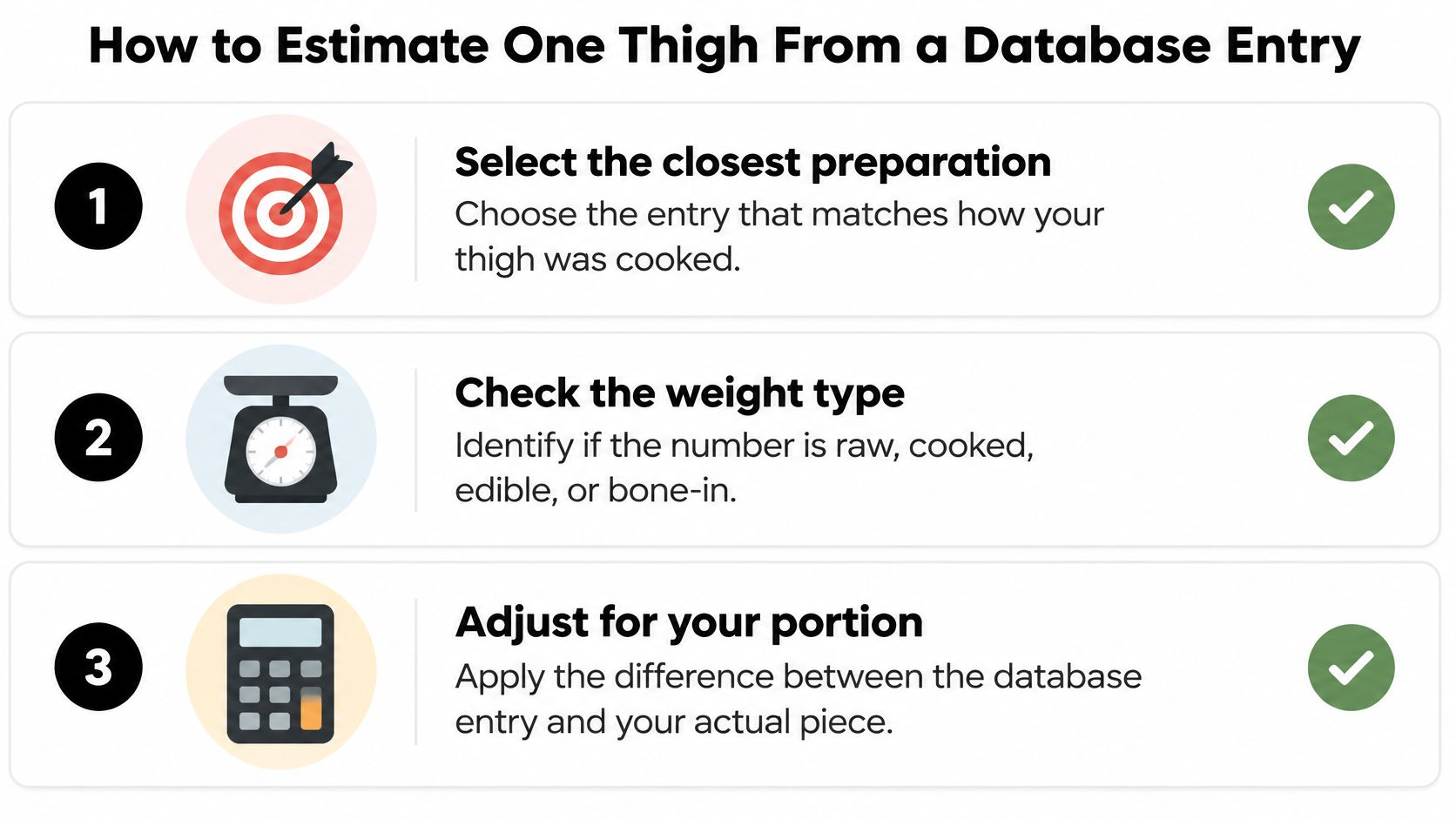
Check before saving
- Is it cooked? Confirm that your entry matches the state of the food when you measured it.
- Is skin included? Select meat only or meat and skin based on what you ate.
- Is the weight edible? Don't multiply a meat-only reference by a whole bone-in weight.
- Are additions separate? Check whether the selected entry already includes oil, sauce, breading, or marinade before adding ingredients.
A common source of confusion is a database entry that offers a precise-looking total for a vague portion. That number can be mathematically precise for its reference serving while still being a poor match for dinner.
There's also no need to combine unrelated entries to manufacture certainty. If your closest match is plain roasted thigh and you know the sauce separately, use those components. If the available information is incomplete, save a reasonable estimate and keep the uncertain detail visible.
Precision comes from matching the food, not from displaying more decimal places. A clear portion description makes a log easier to review and adjust later.
How Cooking Changes the Final Meal
A plain roasted thigh, a pan-seared thigh, and a breaded thigh need different logging decisions. The chicken provides the starting point. What happens during preparation determines whether that starting point is enough.
For a solution-added roasted thigh, a USDA-linked entry reports approximately 214 kcal, 23.5 g of protein, and 13.8 g of fat per 100 g; the same nutrition reference discussion notes that a tablespoon of oil contributes roughly 120 kcal, according to these roasted thigh and cooking-fat details. Product formulation and retained cooking ingredients therefore deserve attention alongside the cooking method.
Follow the ingredients through cooking
For a plain roasted meal, select the closest matching chicken entry. Check the package if you still have it, particularly when the product description mentions enhancement or added solution. Don't assume every roasted entry describes the same starting product.
For a pan-seared meal, identify the cooking fat separately. The amount poured into the pan isn't automatically the amount eaten with your serving. Some may remain behind or be shared across the meal, so record the amount you reasonably attribute to the food you consumed.
For a breaded or glazed meal, plain chicken alone is incomplete. The coating or glaze belongs in the estimate unless the chosen prepared-food entry already includes it.
- Plain roast: Use the appropriate chicken reference and serving.
- Pan-seared chicken: Review the retained oil or butter.
- Breaded or glazed chicken: Include the coating or sauce without counting it again if it's already built into the entry.
Log the dish you ate
Home cooking makes ingredient review easier when you know the recipe. Restaurant meals require more judgment because you may not know the cooking fat, sauce composition, or portion details. Acknowledge that uncertainty rather than treating a plain roasted entry as an exact restaurant value.
For a sauce-based dish, a recipe-specific approach may fit better than a standalone thigh entry. The same distinction applies when estimating chicken tikka masala calories: the chicken and the complete dish aren't interchangeable descriptions.
You don't need to reconstruct every action in the kitchen. Focus on the ingredients that remain in the meal and avoid counting the same component twice.
Using Photo Scanning to Log Chicken Thighs
A photo scanner can help you begin a food log without searching through similar database names. Treat its output as a proposed description of the meal, then check the parts that a camera can't reliably establish.
Keep the food visible in the frame so you can review the suggested ingredients against the plate.
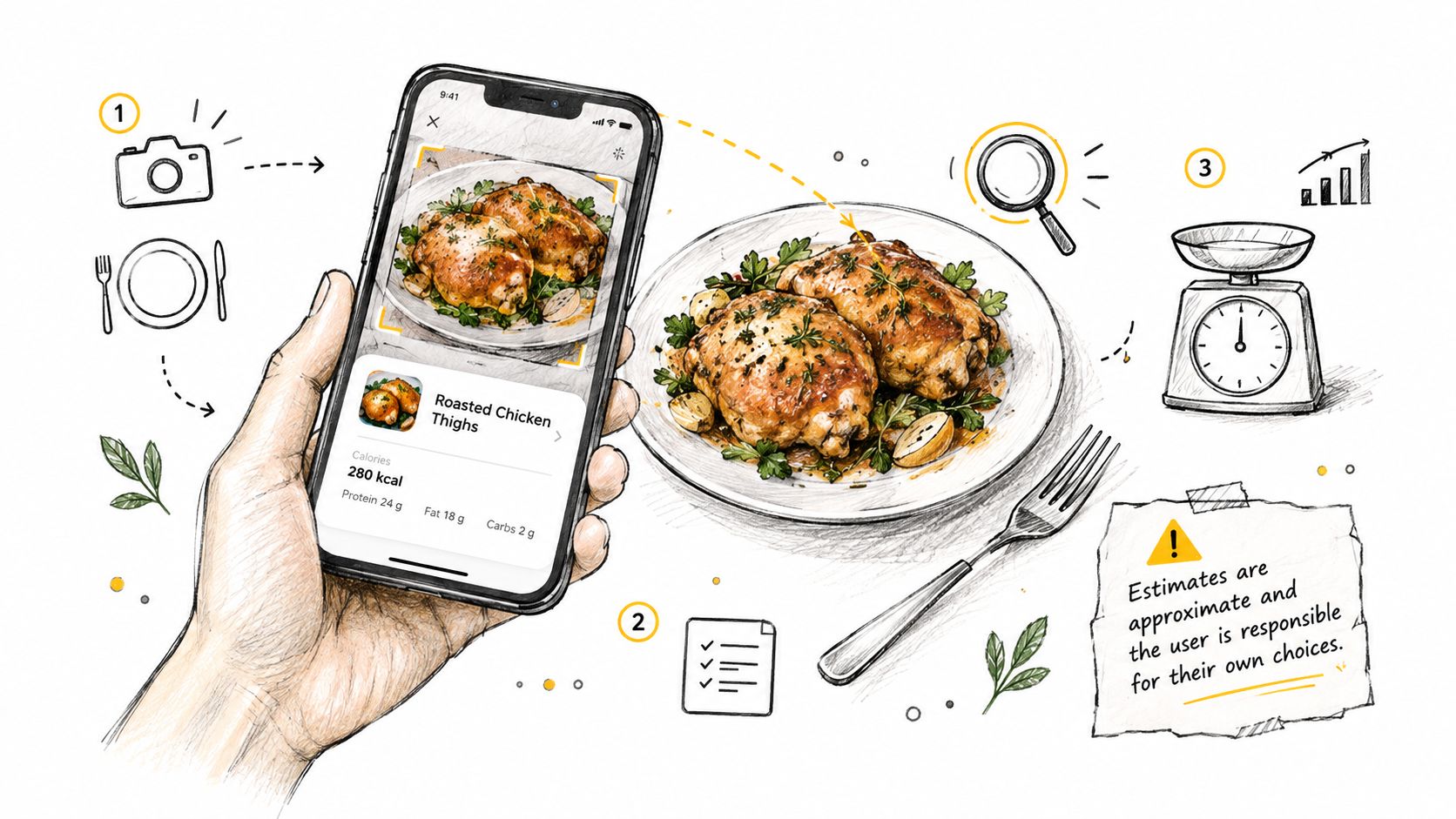
Review the description before the total
You can use a manual food diary, a recipe calculator, or a photo-based AI calorie counter to build the estimate. The useful question is whether the saved entry reflects your food, not which method produced the initial number.
After photographing the meal, inspect the recognized ingredients. Confirm that the app identified thigh rather than another cut, then review the portion and preparation.
- Confirm the piece: Specify whether it was bone-in or boneless.
- Describe the skin: Say whether you ate it, removed it, or left some behind.
- Add hidden ingredients: Include known cooking oil, marinade, glaze, breading, or sauce.
- Correct the serving: Replace a visual portion guess with an edible weight when you have one.
Plain-language corrections can be simple: “I didn't eat the skin,” “the chicken was cooked in oil,” or “the sauce is separate.” These are details supplied by you, not information the photograph has proven.
The video below offers a visual reference alongside the review process.
Keep uncertainty editable
A photograph can leave important questions unresolved. Similar-looking pieces may contain different edible amounts, and surface appearance doesn't establish how much cooking fat remains in the serving. The practical response is to expose those assumptions and adjust them.
Before you save: Check the ingredient list and portion description, not just the calorie total.
If the result seems surprising, inspect the assumptions rather than immediately accepting or rejecting it. The app may have selected skin-on chicken, interpreted a sauce as part of the chicken, or estimated a different portion from the one you ate.
Photo logging is a helpful starting point, especially when you don't have a scale available. It remains an estimate based on the image and your corrections, not a laboratory measurement or medical advice.
A Practical Checklist for More Consistent Tracking
Choose your logging method around the information you have. A package label, an edible cooked weight, a known recipe, and a photograph each provide different kinds of help. You don't need to force all meals into the same entry.
The simplest habit is to save enough detail that you can understand the log later. “Roasted thigh meat, skin removed” is more useful than an unexplained calorie total.
Match the scenario
- Plain roasted bone-in thigh with skin: Confirm whether the skin was eaten, then use an edible serving rather than the entire piece weight.
- Skinless roasted thigh: Select a cooked meat-only entry and adjust it to your portion.
- Raw boneless, skinless portion: Use the matching raw product entry or package information. Keep that measurement separate from cooked serving weights.
- Pan-seared or coated thigh: Identify the chicken base and review cooking fat, coating, or sauce. Check whether a prepared-food entry already includes those additions.
Make consistency the target
Calories per weight describe energy density. Calories per piece describe a particular serving. They're useful for different purposes, and neither removes the need to match the food description.
When information is missing, identify what you're estimating. You might know the preparation but not the portion, or know the weight but not the sauce ingredients. That's a more useful record than treating every uncertain detail as settled.
For your next meal, choose a matching entry, review the portion, and check the additions before saving. If you discover something later, edit the log. Consistent tracking doesn't require pretending every meal can be measured exactly.
Calorie Genie offers photo-based meal estimates with editable ingredients and portions, so you can correct a chicken thigh's skin status, serving, and cooking additions before saving. Visit Calorie Genie AI to explore the app and use a meal photo as an adjustable starting point; AI meal scanning requires Premium.