

It's 10 p.m. on a Wednesday. The plate is in the sink, the sauce came from a jar, and your food diary is still empty because typing "pasta with meat sauce, maybe a cup and a half" into a search box feels like homework.
That gap between eating and recording is the problem an app to scan food for health is meant to close. But the label "food scanner" hides three different jobs. One is estimating a plated meal from a photo. One is looking up a packaged product by barcode. One is checking whether a food fits a diet, an allergy or a goal. An app that's excellent at one of those jobs can be close to useless at another.
All of them deal in estimates, not measurements. Lighting, oil, sauce, portion size and hidden ingredients move the numbers, so treat every scan as a starting point you correct in ten seconds, not a lab result.
This list is sorted by the job, not by star rating. Each pick names the person it suits, so you can skip straight to the one that matches how you eat.
Table of Contents
- 1. Calorie Genie AI
- 2. SnapCalorie
- 3. Foodvisor
- 4. Yuka
- 5. Open Food Facts
- 6. Fooducate
- 7. Fig
- How the seven food-scanning apps differ on input method, free access and best use
- Match the Scanner to the Job You Need Done
1. Calorie Genie AI
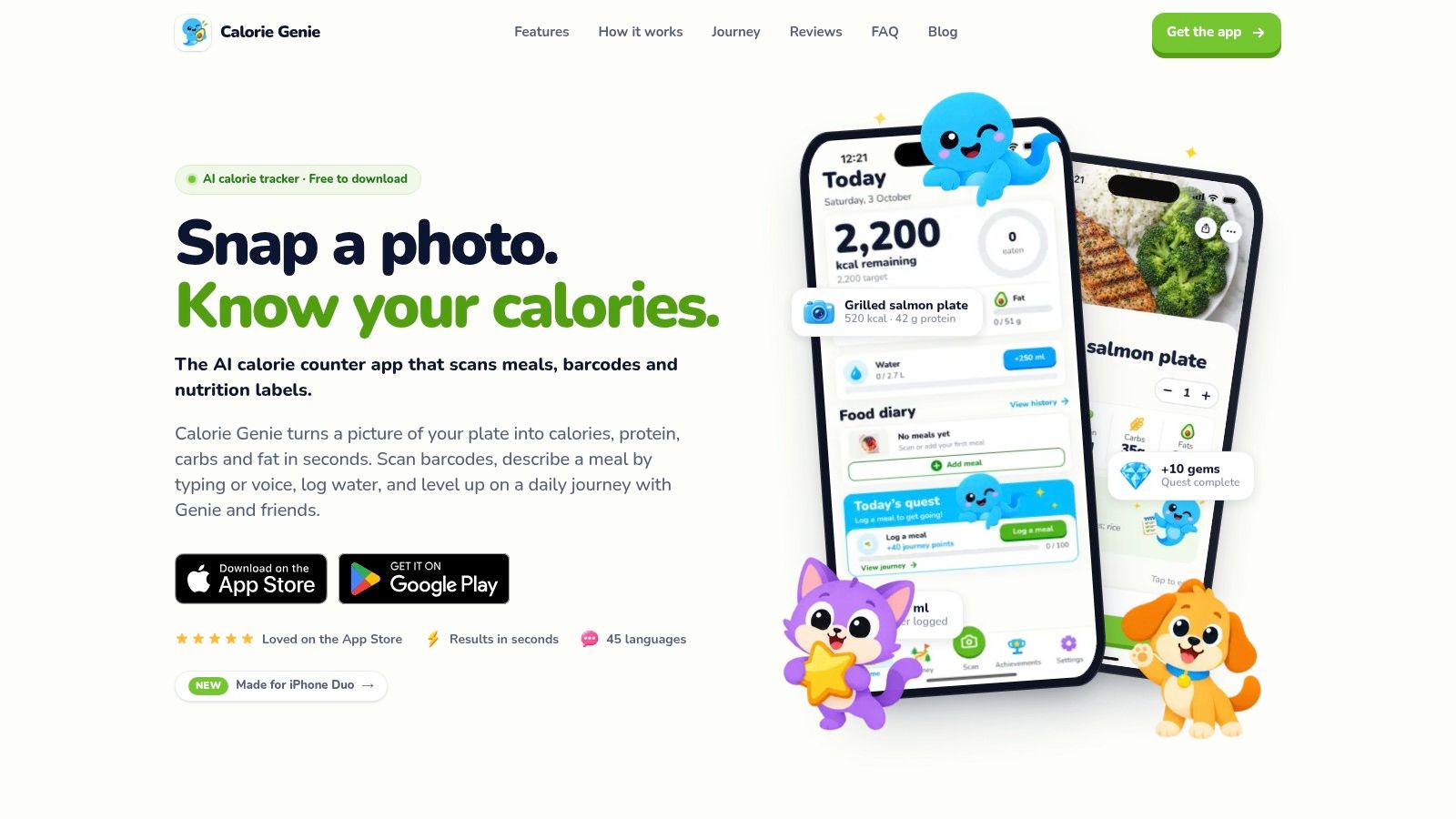
Best for: weight loss and everyday logging when you want to scan plates, packets and restaurant menus in one app.
Point your camera at a plate, drink, barcode or restaurant menu. For a meal photo, Calorie Genie identifies the foods, estimates portions and returns calories, protein, carbs and fat, plus a 1-to-10 health score with a short reason. Check the ingredient list before saving: tap an item to adjust its portion or swap it. The results are estimates, so correct details the photo may miss, such as cooking oil or a larger portion.
How the Estimate Is Built
Fast logging matters when a food diary is hard to keep up with. The World Health Organization reports that more than 1 billion people were living with obesity in 2022, roughly 1 in 8 worldwide, and that 43% of adults were overweight.
Photo estimates have limits. A systematic review of 35 studies on AI dietary assessment found calorie-estimation errors ranging from 0.10% to 38.3% and volume errors from 0.09% to 33%. Recognising food and estimating its nutrients are different tasks. Portion size, sauces and hidden oils can change the result.
Treat the first scan as a draft. Check the ingredients and portions, correct what you know, then save.
What Else the Camera Handles
- Packaged food: scan a barcode or nutrition label to read the serving size and macros. The app also flags processing level, additives and nutrients worth watching.
- Restaurant menus: scan a menu, including multiple pages, to rank dishes against your goal and remaining calories. Filter by best for you, healthiest or lowest calorie.
- Daily targets and habits: share your goal, body stats and activity level during setup to get daily calorie and macro targets. Adjust them in Settings. Water and weigh-ins appear in your history alongside meals over 7, 30 or 90 days. Quests, streaks and 26 badges support regular logging.
Calorie Genie is free to download on iOS and Android. Premium is a paid plan that includes unlimited meal, barcode and restaurant menu scans, and you can try it before you are charged. The app is available in 45 languages and recognises meals rather than searching a fixed database.
Strengths: plate, packaged-food and menu scanning in one app; editable ingredients; a health score alongside nutrition estimates.
Trade-off: photo results are estimates, and unlimited scans require Premium.
2. SnapCalorie
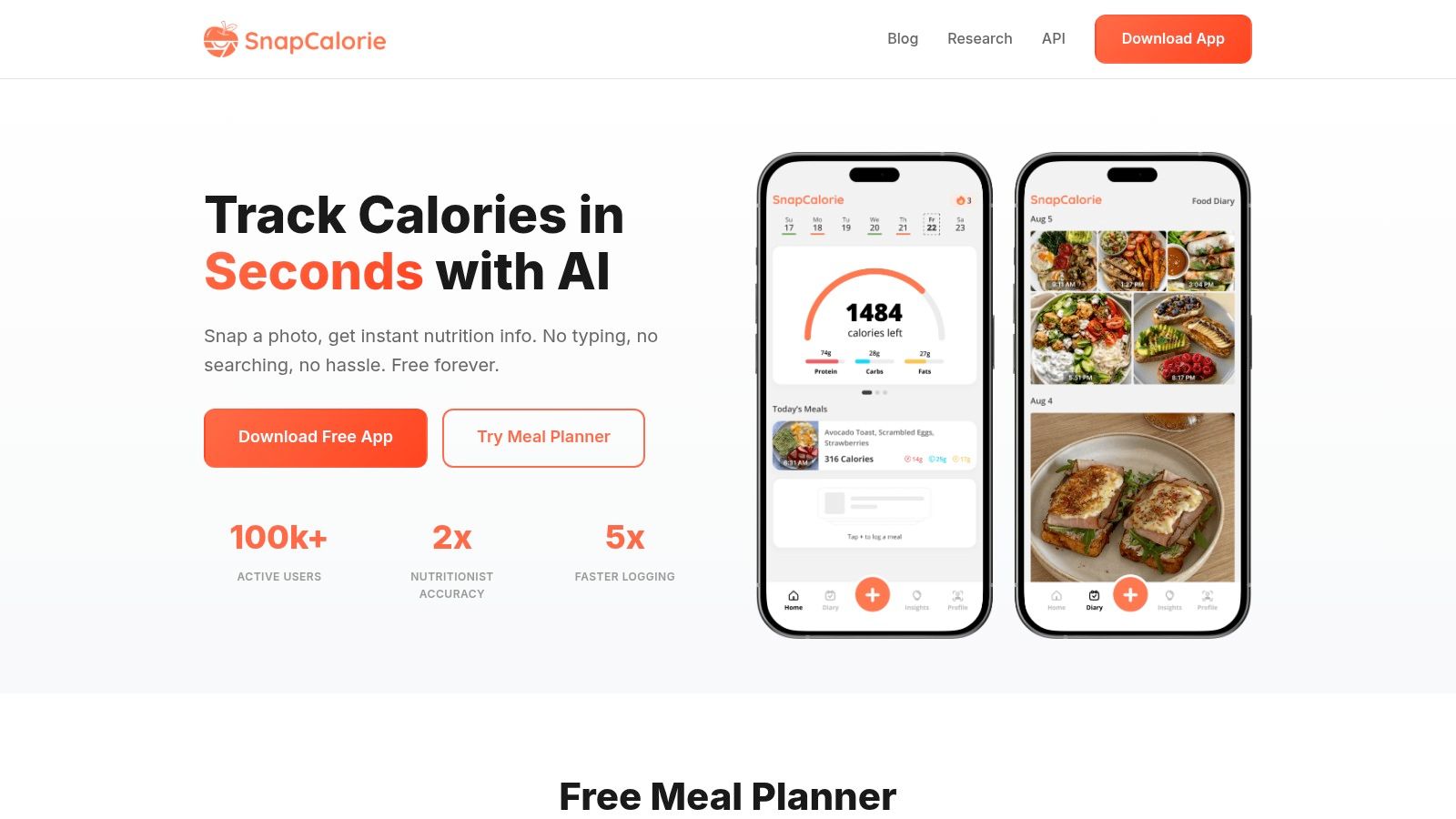
Best for: macro trackers willing to add a short voice note or edit a meal estimate.
A photo of a chicken burrito may show the tortilla and rice, but miss cheese, salsa verde or oil from the grill. SnapCalorie lets you add context with a voice note or adjust the estimate, then use its packaged-food tools for other meals.
Where the Voice Note Pays Off
A 2025 analysis of AI meal estimation found that adding nonvisual details reduced mean absolute calorie error from 123.03 kcal to 92.04 kcal. A detailed ingredient list reduced it further, to 53.33 kcal. Adding a short note about cooking method can improve accuracy more than a better photo alone.
Food recognition still has limits. A comparative study of seven image-recognition platforms tested on 185 standardised food photographs found top-1 accuracy ranging from 9% to 63%. The strongest platform reached 62.9% top-1 and 87.6% top-5 accuracy. None of the seven reliably estimated how much food was on the plate.
Rule of thumb: correct missed oil and portion size before saving. Scan results are estimates, so review them against what you actually ate.
- Meal photos: get nutrition estimates from a single image, then adjust them.
- Voice notes: describe oils, sauces and portions without searching a database.
- Packaged food: scan labels for meals and snacks from a box.
- Goals and health data: track calorie, macro and micronutrient targets, with Apple Health integration.
Trade-off: photo estimates can miss ingredients and portions. Review each result before saving. SnapCalorie's subscription pricing varies, so check the current price in the App Store or Google Play listing. For a comparison of photo scanning and manual corrections, see this guide to AI calorie counters.
3. Foodvisor
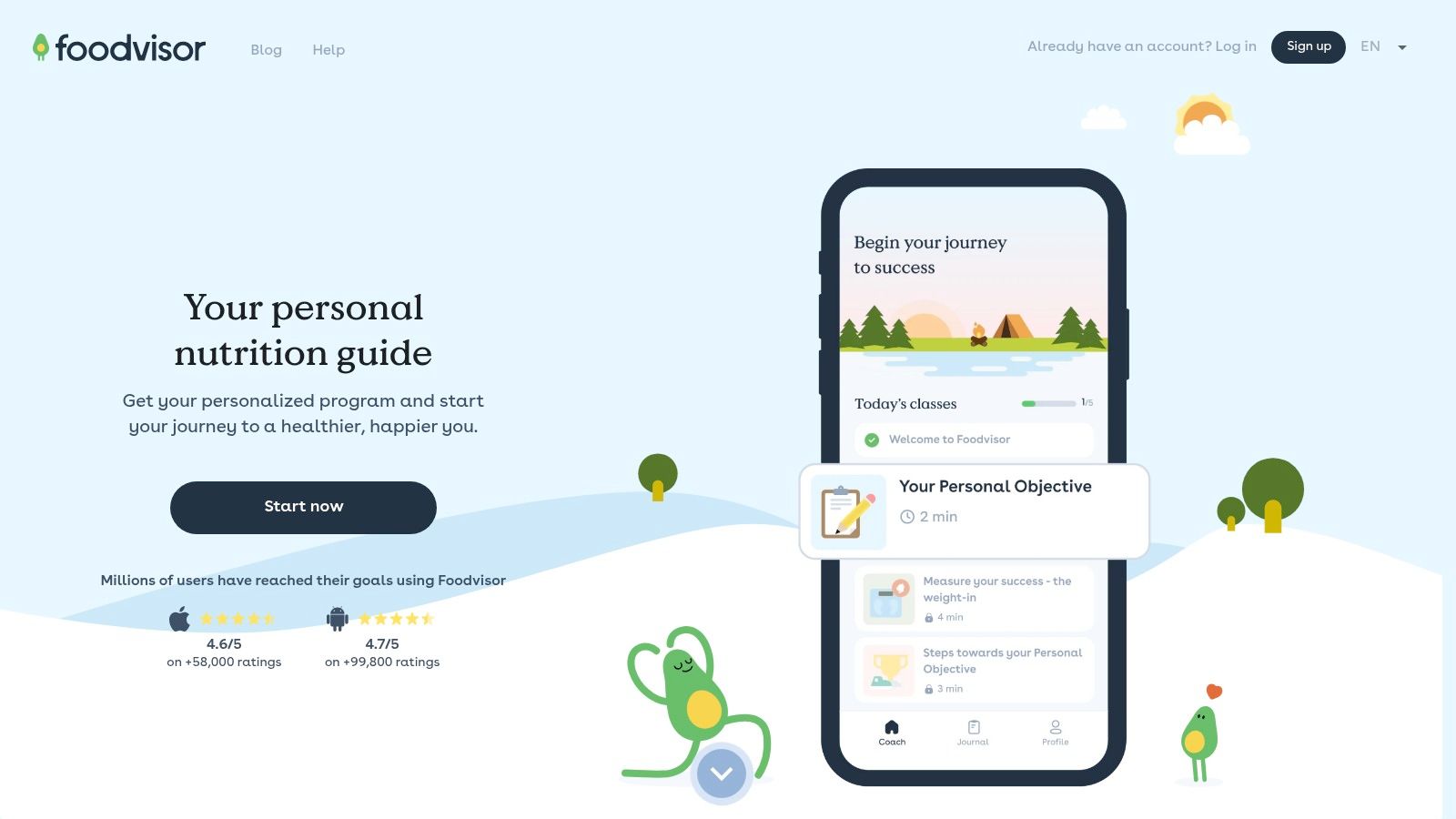
Best for: people who want camera logging plus the surrounding picture (weight, hydration, fasting) in one place.
Foodvisor lets you log a meal three ways: photo, voice or text. That flexibility earns its keep on the days when a camera can't parse the meal, like a smoothie with six ingredients or a counter-service bowl where the rice is buried under toppings.
What the Accuracy Split Means for You
The JMIR mHealth and uHealth study of an AI image-recognition meal-reporting app found it correctly identified 86% of dishes but accurately reported only 68% among young adults in Taiwan. That 18-point gap is the honest shape of the technology. Naming the food is easier than quantifying it, and the meals that fail are usually the oily ones and the ones with no standard portion.
- Three ways to log: photo, voice or text, so a failed photo never blocks the diary.
- Barcode scanning: packaged foods and label data when you're eating from a box.
- Wider tracking: calories, macros, vitamins and minerals, plus weight, hydration, fasting and activity.
- Platforms: iOS, Android and Apple Watch.
Trade-off: full analysis and the extra programs sit behind Premium, and pricing varies by offer and platform, so check inside the app rather than trusting a store screenshot. Photo results still need a quick edit.
4. Yuka
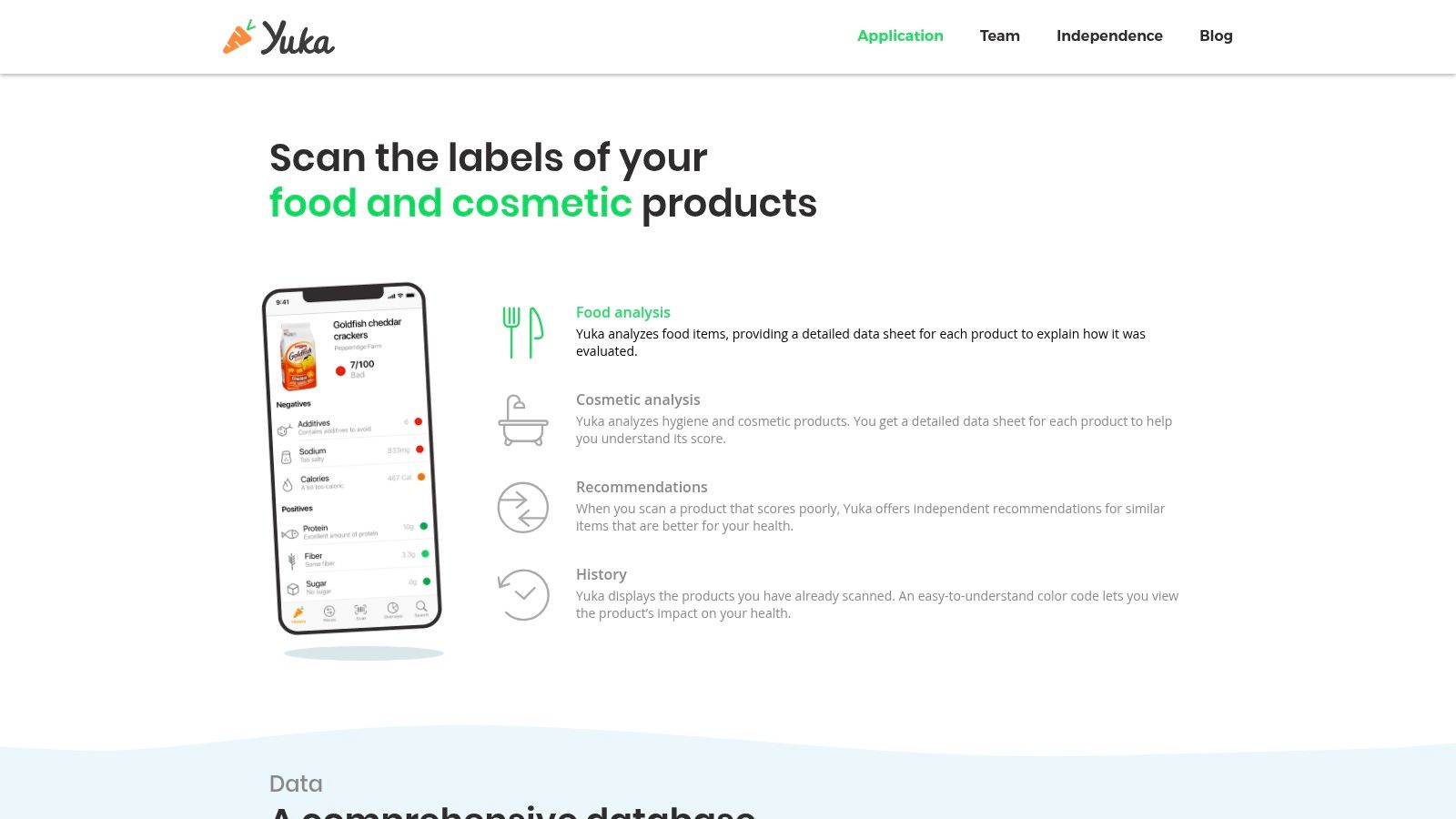
Best for: grocery decisions, not meal logging. Yuka grades and explains what's in the packet you're holding.
Yuka doesn't estimate your lunch. It scans a packaged-food barcode and returns a score, a plain-language product analysis, and suggestions for similar alternatives. The company says it takes no brand advertising and doesn't let manufacturers influence its scores or recommendations, which is the reason to trust the verdict as a starting opinion rather than a paid placement.
The Label Gap Yuka Fills
People already read labels. The friction is speed and interpretation. The U.S. FDA's 2019 Food Safety and Nutrition Survey found that 87% of adults had looked at the Nutrition Facts label on packaged foods, most often to judge whether a food was high or low in calories, salt, vitamins or fat, and to compare products. Yet 57% of respondents correctly interpreted percent Daily Value.
That's the gap a scanner closes. Compare three tubs of Greek yogurt and you'll see the problem in thirty seconds, because protein per 100 g swings widely and a single score hides it. Our breakdown of the highest protein Greek yogurt shows what to read instead of the badge on the front.
One score can't know whether you need protein for a training block or less sugar before bed. Read the analysis under the number.
Trade-off: Yuka doesn't estimate nutrition from photos of prepared meals, a single score flattens real trade-offs, and coverage depends on its database. Published US Premium prices differ across sources, so check the current price in the store.
5. Open Food Facts
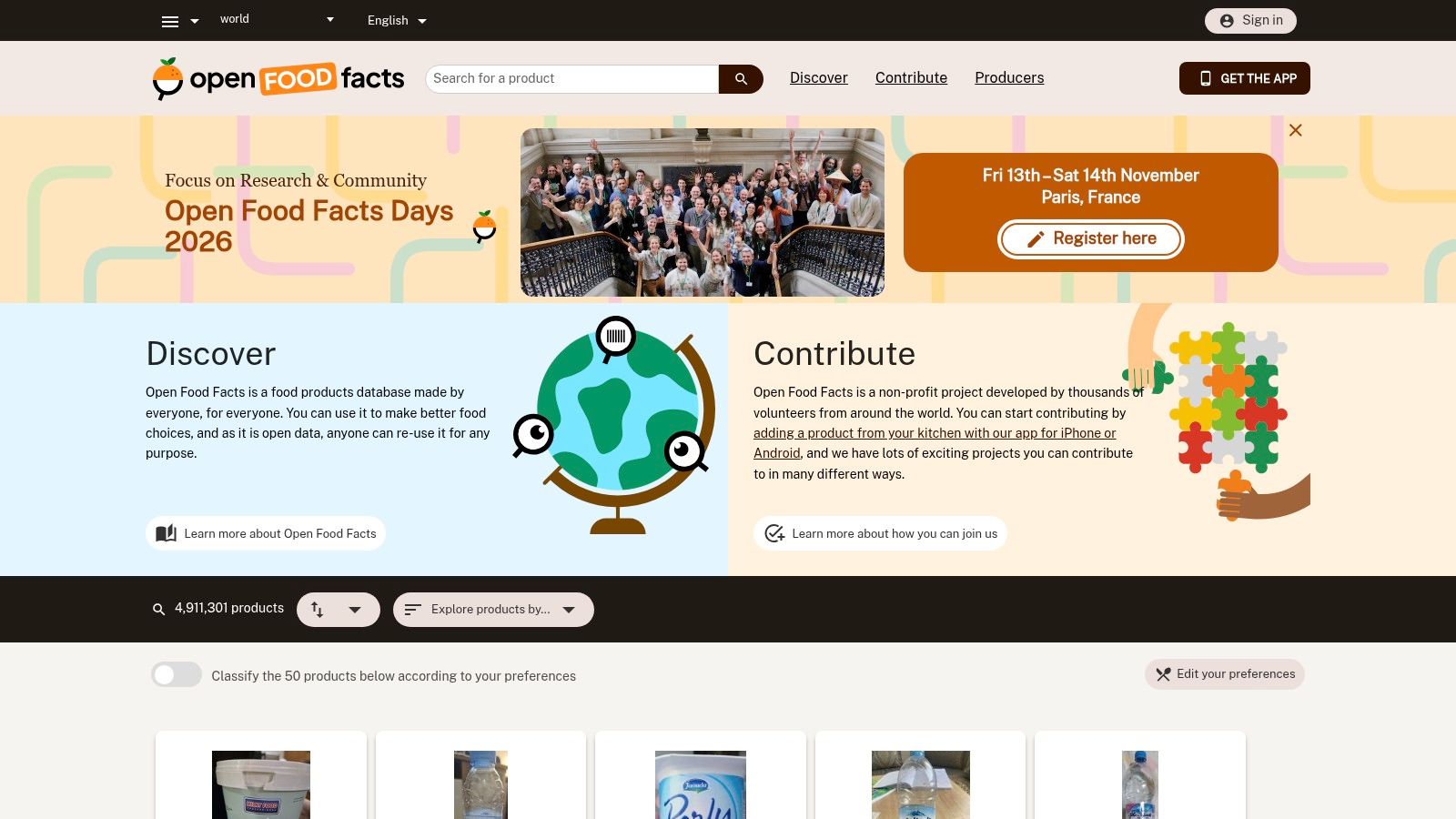
Best for: shoppers who want free access to product information and are willing to check the package when a record may be incomplete.
Open Food Facts gives you product records without putting a proprietary score between you and the details. It suits shoppers who prefer to judge ingredients and nutrition for themselves.
Reading the Data Yourself
- Barcode lookup: See available ingredient, nutrition, allergen and additive information for packaged products.
- Two measures: Nutri-Score rates nutritional quality, while NOVA groups products by processing level.
- Environmental information: Some records include footprint details alongside nutrition.
- Community edits: Users can add or correct records, though changes to products may take time to appear.
Treat each result as a starting point. Product formulas change, and community records can lag behind the package. Open Food Facts scans packaged products; it does not estimate nutrition from a plated meal. Some users also find the app slow.
For allergy shoppers: Check the physical package every time. Use a community record as a reference, not a guarantee.
Trade-off: Open Food Facts is free and offers product details for independent review, but records can be incomplete or out of date.
6. Fooducate
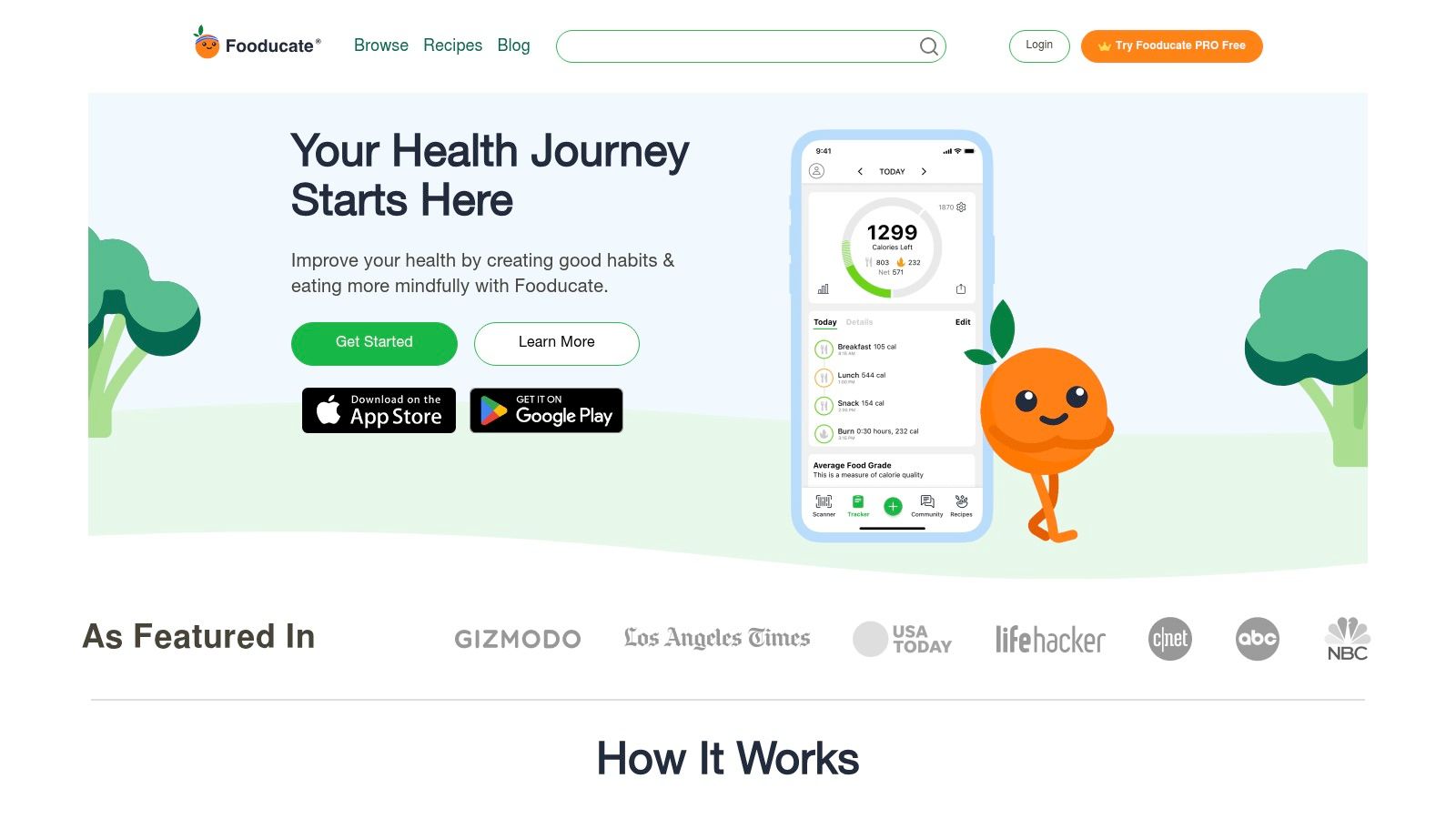
Best for: shoppers who want the barcode scan to feed a daily diary instead of ending at a grade.
Grades are fast. Fooducate gives a scanned product an A to D nutrition grade, explains the pros and cons, and suggests alternatives. Then it keeps the food and exercise log that most barcode apps skip, which makes it the bridge between the grocery aisle and the calorie target.
Why Consistency Beats Precision
A diary you fill beats a perfect estimate you abandon in week two. A 2025 randomized pilot of a gamified food-recognition app reported 82% adherence, with participants recording 97% of the meals they consumed (Frontiers in Nutrition). The lesson transfers to any scanner. Pick the logging method you'll repeat on a bad Tuesday, not the one with the best spec sheet.
- Scanner plus grade: A to D grades, explanations and healthier swaps.
- Diary: food and exercise tracking with health targets and progress history.
- Free tier: many features work without paying.
Trade-off: a grade is a shortcut, so check the underlying nutrition when the decision matters. Products missing from the database take extra steps to add, and some features need Pro, so verify the current subscription price.
If you're still working out how much tracking you want, our roundup of the best counting calories app compares logging styles side by side.
7. Fig
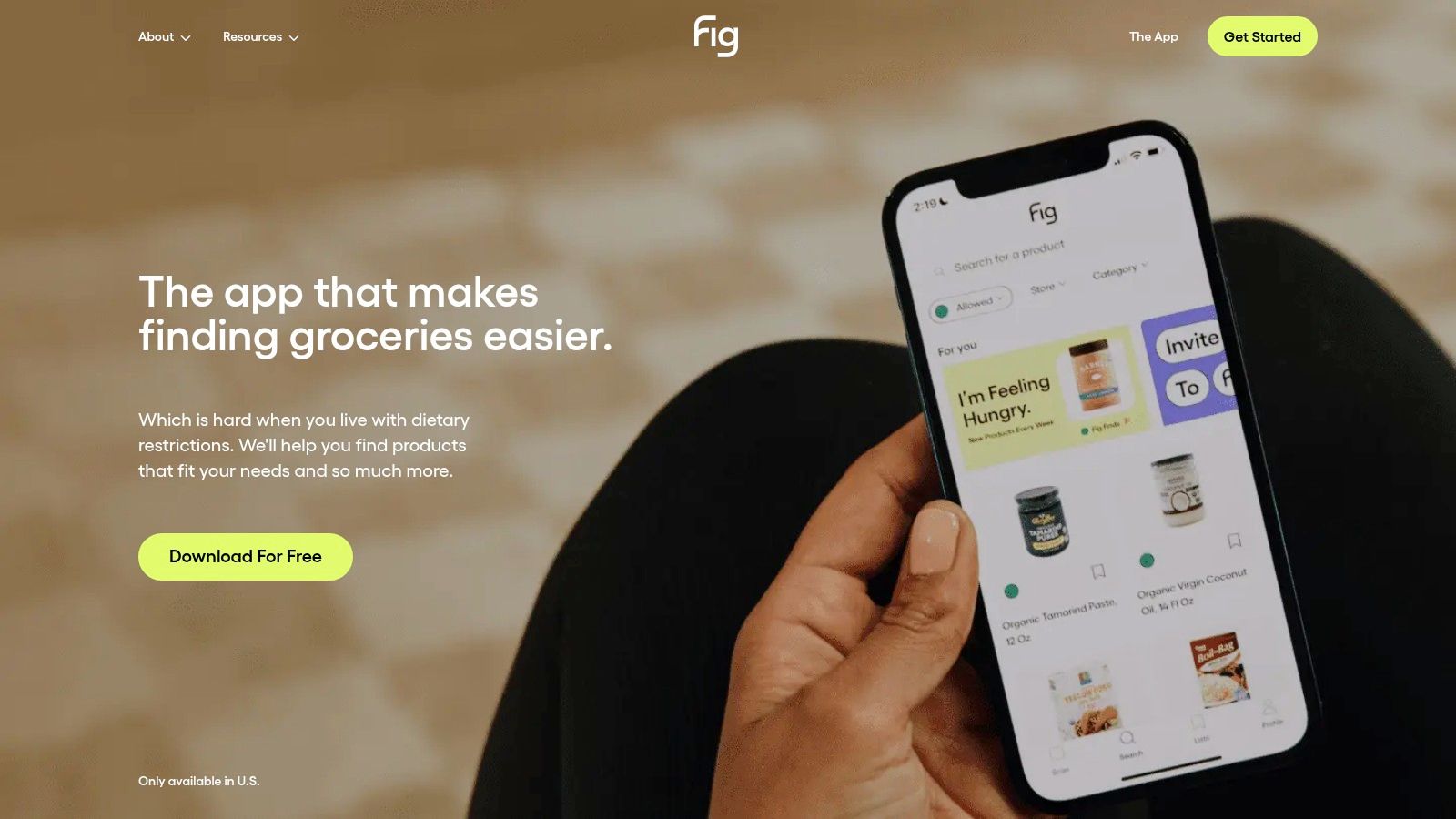
Best for: allergies and strict diets, where "can I eat this" matters more than "how many calories".
You're in an unfamiliar store holding a granola bar, and the question isn't calories. It's whether the almonds will cost you the afternoon. Fig answers that one question and mostly leaves the rest alone. You build a profile of allergies, dietary restrictions and ingredients to avoid, then scan a barcode for a match or no-match verdict against your own rules rather than one universal score.
It handles combinations, which is where generic scanners fall over. Gluten-free plus low FODMAP plus a nut allergy is a normal set of constraints for a real household, and Fig is built for that stack, with product search, grocery-store discovery, restaurant information and multiple household profiles on the paid plan. It's free to start and currently US only.
Where Diet Filters Break Down
Coverage is thinnest at the edges, and the edges are where people live. Reviews of AI dietary assessment point to culturally narrow training data, cross-cultural dietary differences and limited dataset diversity as persistent barriers to generalisation, and note that ingredient information materially improves nutrition estimates (review published on Oxford Academic). A filter app inherits every gap in its database, so read the ingredient line for anything that could trigger a reaction.
Trade-off: Fig isn't a calorie or macro tracker, it's US only, and Fig+ is required for features including unlimited scans and restaurants.
How the seven food-scanning apps differ on input method, free access and best use
| Item | How You Log | Free Access | Best For |
|---|---|---|---|
| Calorie Genie AI | Meal photos, barcode and label scans, restaurant menus | Free to download; key features require Premium | Fast calorie and macro tracking with photo logging |
| SnapCalorie | Meal photos, voice notes and nutrition-label scans | Subscription pricing not clearly stated | Quick meal logging with nutrition estimates |
| Foodvisor | Photos, voice, text and barcode scans | Free access available; full analysis requires Premium | Food tracking with broader health and progress tools |
| Yuka | Packaged-food and cosmetics barcode scans | Free app; optional Premium features | Reviewing product scores, ingredients and alternatives |
| Open Food Facts | Barcode scans and product searches | Free and open-source-oriented | Inspecting packaged-food ingredients and nutrition data |
| Fooducate | Barcode scans and food diary entries | Many features available free; some require Pro | Combining grocery product analysis with food tracking |
| Fig | Barcode scans and product searches against a personal diet profile | Free to start; some features require Fig+ | Checking products against allergies and dietary restrictions |
Match the Scanner to the Job You Need Done
Pick by the question you ask most often, not by the longest feature list.
- Daily calorie and macro logging: a photo-first tracker. Calorie Genie, SnapCalorie or Foodvisor all start from a photo, and the differences are in how easily you correct the result.
- Grocery aisle decisions: Yuka for a fast verdict with alternatives, Open Food Facts for free raw data, Fooducate if the scan should feed a diary.
- Allergies and strict diets: Fig, and only Fig on this list.
- Eating out: menu ranking, where a photographed menu gets sorted against your goal and remaining calories.
Start with a free download and test three real meals before you pay for anything. Scan a meal you can eyeball accurately, such as a plain chicken breast and a measured cup of rice, and see how close the estimate lands. Then scan something hard, like a curry or a stir-fry, and judge the correction flow. If fixing the result takes longer than typing it would have, that app is wrong for you no matter how good its store rating is.
Test before you pay: three meals, one of them messy. The correction flow matters more than the first number.
Recognition keeps improving. In 2025 an AI food-recognition system from NYU Tandon School of Engineering reached a mean average precision of 0.7941 at an intersection-over-union threshold of 0.5. A benchmark like that still isn't your plate, and every figure a scanner returns remains an estimate shaped by oil, sauce and serving size.
One last boundary. These apps are guides for everyday eating, not medical advice. If you're managing diabetes, kidney disease, an eating disorder, a diagnosed allergy or a pregnancy, work with a registered dietitian or your doctor, and use a scanner only as the record-keeping tool they help you set up.
Every meal you're already photographing out of habit can become real numbers with Calorie Genie AI. Snap the plate, correct the oil or the portion in plain words, and get calories, protein, carbs and fat plus a health score in seconds, with barcodes, nutrition labels and restaurant menus handled by the same camera. Visit Calorie Genie AI to see how a single scan turns dinner into a logged meal.