
You're seated, your food's getting cold, and your phone wants you to search for grilled chicken, rice, sauce, and salad one by one. You guess a portion, scroll past five conflicting entries, then close the app and promise you'll log it later. You won't. That's the moment most calorie tracking falls apart.
It's rarely a motivation problem. It's a minute problem. A log that takes too long at lunch, in a queue, or with a half-eaten plate in front of you loses to real life every time.
So this roundup doesn't rank the best counting calories app options by the longest feature list. I judged seven popular apps by messy moments: a restaurant menu, a packaged snack, a mixed plate, a day when you only have seconds. The winner for you is the one that survives your hardest moment and is still open in week three.
Table of Contents
- 1. Calorie Genie AI
- 2. MyFitnessPal
- 3. Lose It!
- 4. MacroFactor
- 5. Cronometer
- 6. YAZIO
- 7. Calorie Counter by fatsecret
- How the top calorie counting apps compare on free access, photo logging, macro tracking and best use
- Choose the App You Will Still Open on a Busy Tuesday
1. Calorie Genie AI
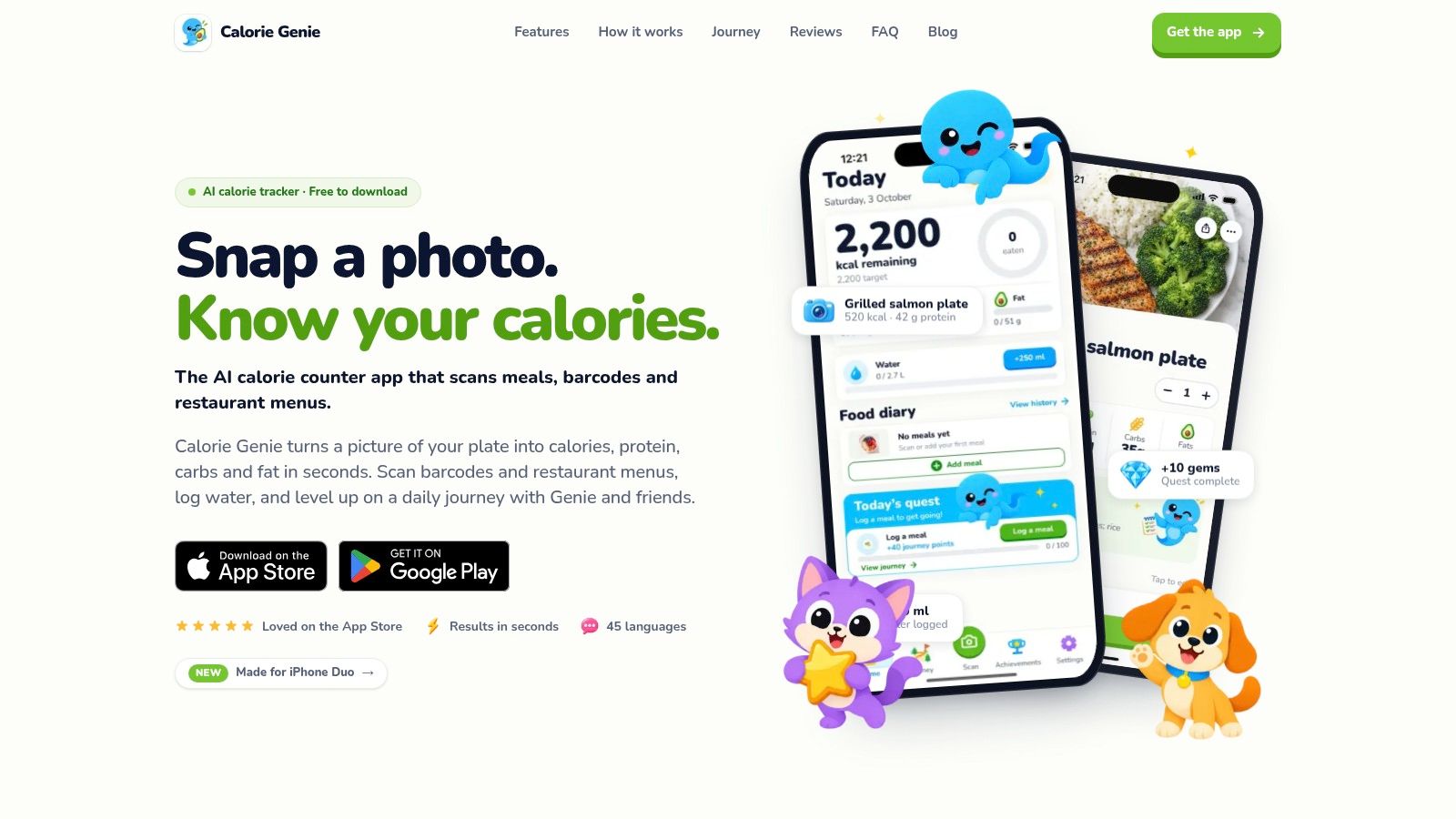
Calorie Genie AI is built for that restaurant-table moment. You point the camera at a meal, snack, drink, barcode, or whole menu and get calories, protein, carbs, and fat for the full plate. No searching for each ingredient. No weighing anything.
That speed matches what people ask for. In a survey of 2,382 adult smartphone users, 65.9% of respondents cited ease of use and 51.7% wanted automatic calorie readings. Ease ranked above automation, which is why the correction step matters more than the scan itself.
Where it holds up when the plate gets messy
Every ingredient lands in an editable list before you save. Tap one to change its portion or swap it, or tell Genie in plain words what the camera can't see, such as cooked in olive oil or the salmon was bigger, and it re-estimates. That turns a fast guess into a reviewed estimate, the honest way to use any photo tool.
Each saved meal also gets a health score from 1 to 10 with a one-line reason, so you see what pulled the number down, not only a calorie total. Genie reads the plate, explains the score, and points to the next step.
The other failure points get the same treatment. Barcode and label scanning reads serving size and macros, then flags processing level, additives, and nutrients worth watching. Menu scanning photographs a multi-page restaurant menu, ranks every dish against your goal and the calories you have left that day, and lets you filter by best for you, healthiest, or lowest calorie before you order.
Setup takes a short quiz: your goal, body stats, and activity level produce daily calorie and macro targets you can adjust any time in Settings. Water logs with one press per 250 ml, weigh-ins sit alongside meals in your history over 7, 30, or 90 days, and 26 badges reward streaks up to 90 days. The app runs in 45 languages and recognizes meals across cuisines rather than depending on a fixed database.
Treat the first scan as a draft. Fix the oil, the sauce, and the portion that looks wrong, then save. A ten-second correction beats a perfect entry you never make.
- Pros: photo logging skips database searching, plain-language corrections are fast, and menu ranking plus a health score go beyond a calorie total.
- Cons: photo values are estimates that still need checking on mixed dishes, and the calorie figures are a guide rather than medical advice.
- Pricing: free to download on iOS and Android.
2. MyFitnessPal
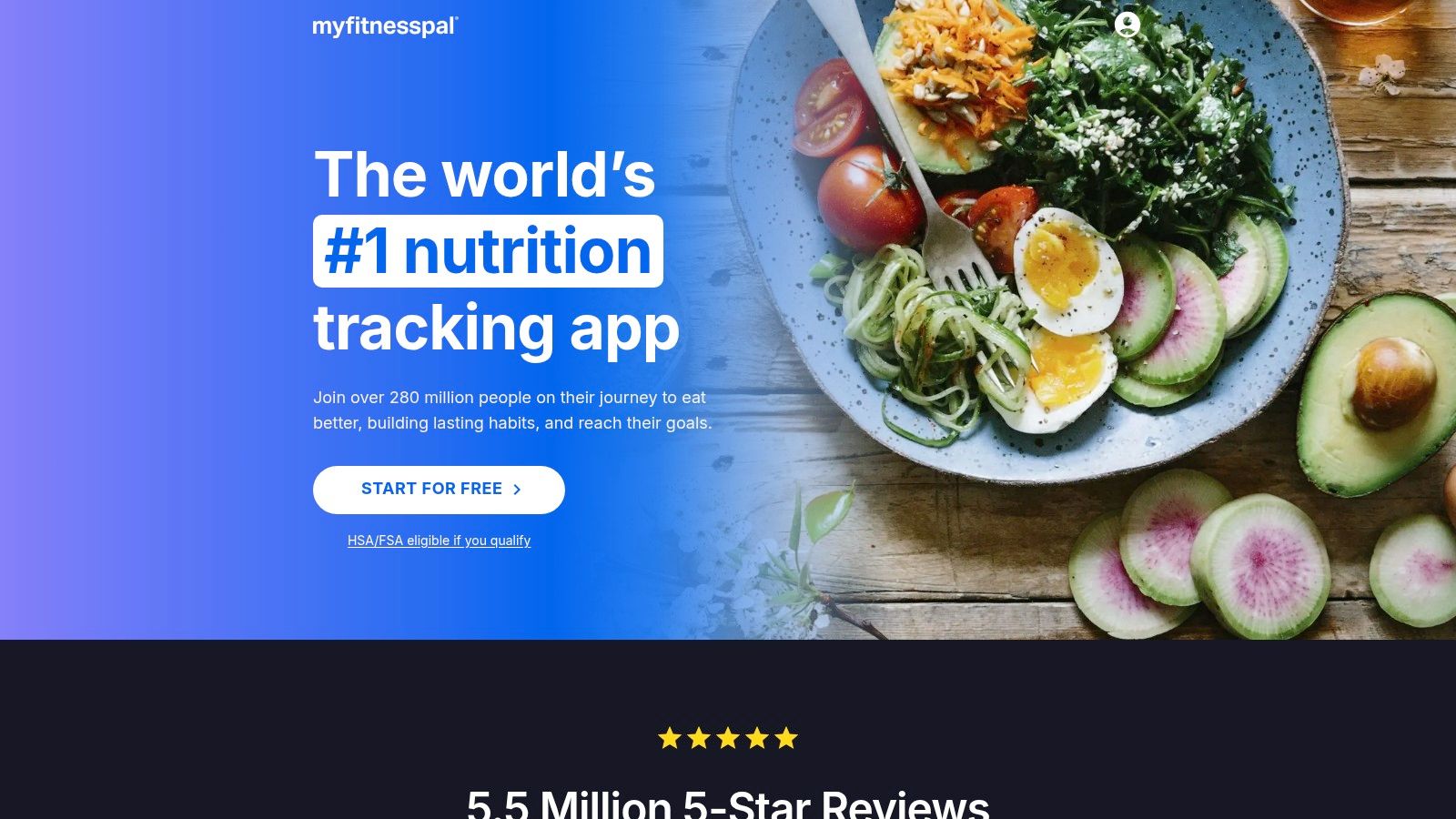
MyFitnessPal is the app many people try first, and the habit sticks for a reason. It began as a website in September 2005 and acquired approximately 2,000 users during its first year, according to a PCMag account of its founding. Nearly two decades of user entries built the catalog it runs on.
That catalog is the strength and the trap. MyFitnessPal has one of the largest public food databases around, so common packaged foods and chain restaurant items usually surface on the first search. A half-eaten plate of home cooking is a different job. You search each component, pick a serving size, and hope the entry you chose is the honest one. Two results for the same dish can disagree enough to matter across a week.
The moment it slows you down
The fast paths cost money. Barcode scanning, Meal Scan, and voice logging sit behind Premium, along with custom nutrition goals and an ad-free diary. Premium+ adds meal planning and grocery lists. On the free tier you type, scroll, and verify by hand, which is exactly where a Tuesday lunch break ends the streak.
If you're weighing it against a photo-first tool, this MyFitnessPal alternative comparison lays out the trade-off directly. I'd keep MyFitnessPal if you already have years of saved meals, favorite foods, and connected apps inside it. Starting fresh here makes less sense when manual searching is what made you quit last time.
- Pros: huge catalog, free basic logging, and food, exercise, and weight tracking in one diary with broad integrations.
- Cons: faster logging tools require a paid plan, and a large user-built database means you still verify entries yourself.
3. Lose It!
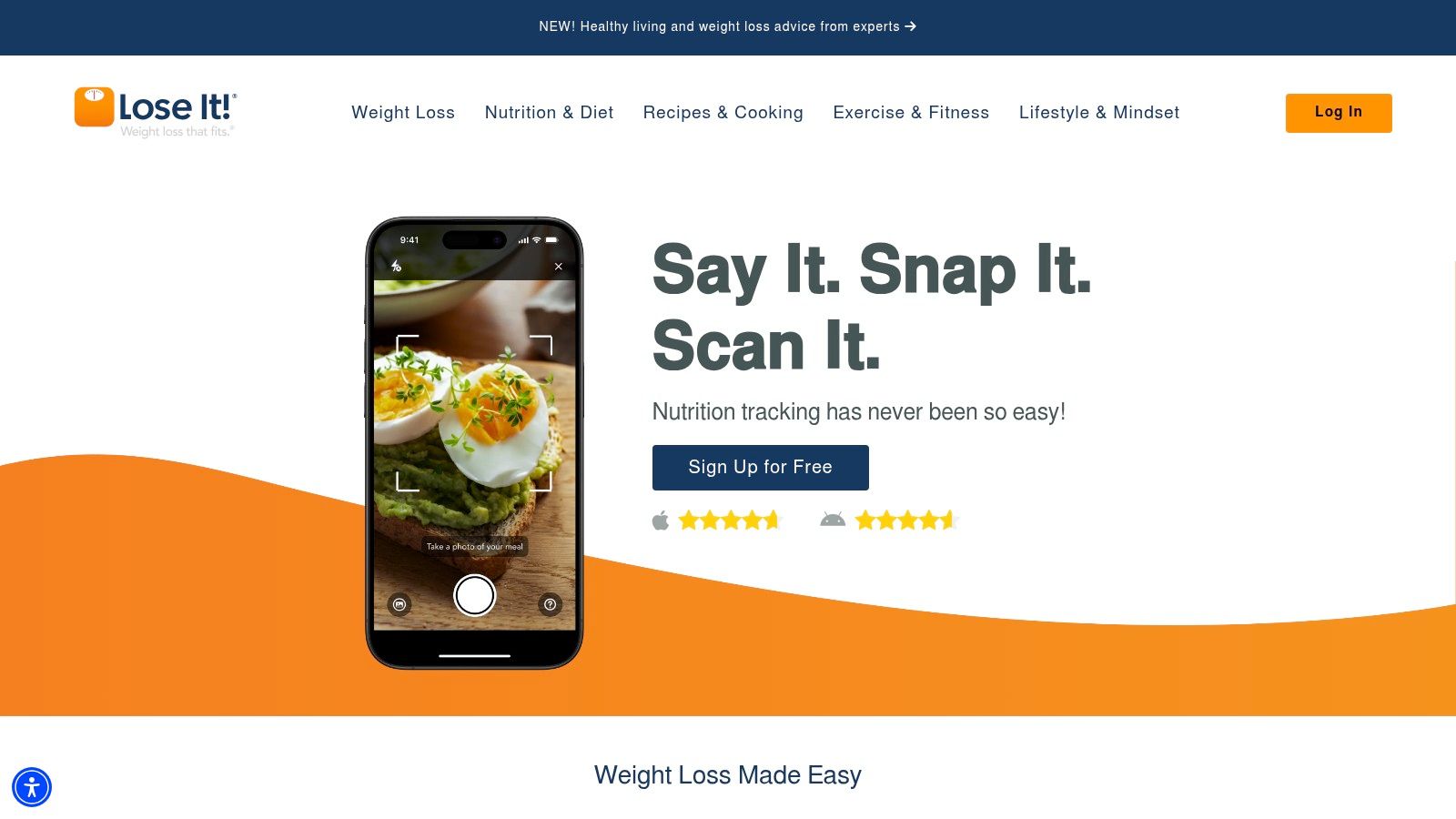
Lose It! frames your day as one clear calorie budget. That simplicity helps. You always know what the number is and how much room you have left, without digging through detailed nutrient screens.
Basic calorie logging and weight tracking are available free, built around a personalized budget from your metrics and goal. If you're unsure how that budget gets set, this guide on how many calories you need a day explains the math behind any app's target. Paid plans add faster logging, wider nutrient tracking, and connections to supported health apps and devices.
The weak spot is duration, and Lose It! appears in the evidence for it. A decade-long scoping review in the National Library of Medicine notes one study where Lose It! users logged daily during the first 6 weeks, but usage decreased to 4 days per week by the end of a 12-week study. That's not a flaw unique to this app. It's the pattern every tracker fights.
What decides it: a clear budget gets you started, but only fast logging keeps you logging. Check where your friction shows up in week two, not day two.
Photo meal logging and barcode scanning help cut that friction, but they may require Premium, along with advanced tracking. That paywall placement matters. The tools most likely to keep you consistent are the ones you'll need to pay for.
- Pros: an easy-to-read daily budget, free core logging, and paid options that speed up entry.
- Cons: photo logging, barcode scanning, and advanced tracking may need Premium, and it's not built for deep micronutrient analysis.
4. MacroFactor
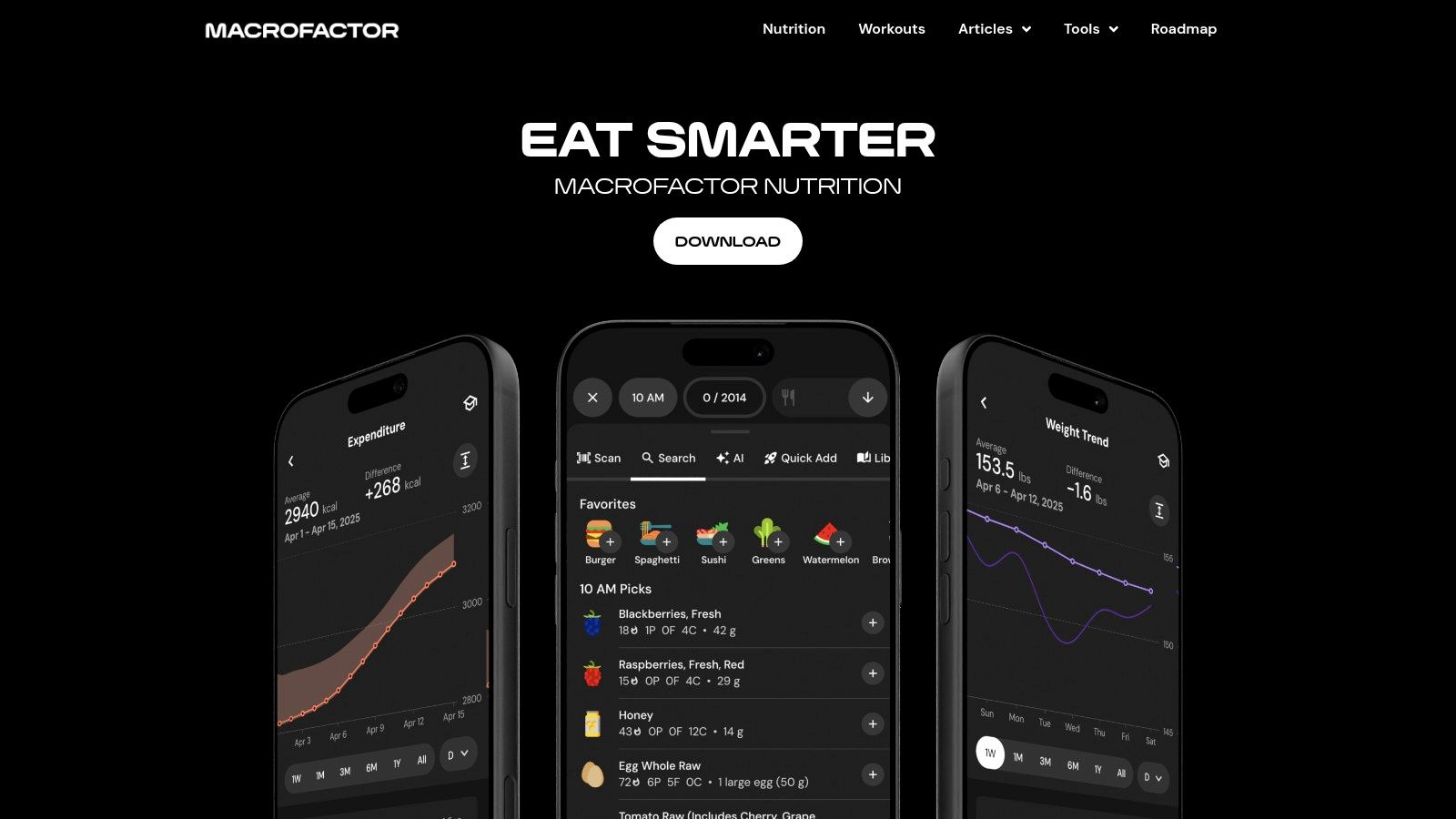
MacroFactor answers a different question. Most apps ask what you ate. This one also asks whether your target still fits, then adjusts calorie and macro goals using your logged intake and weight trends.
That makes it strong for experienced trackers who stall and don't know why. Energy-expenditure tracking, weight-trend charts, micronutrient detail, progress photos, and body metrics give you more to act on than a daily total. If macro targets are new to you, this macro calculator for weight loss guide covers the basics before you let an app move your numbers.
The catch is consistency
Trend tools only work on data you record. Log four days out of seven and the adjustments rest on guesswork, so a sloppy week produces a confident-looking recommendation from thin evidence. The app rewards the person who was probably going to log anyway.
Food logging, barcode scanning, and custom foods and recipes are all there, and it's ad-free on iOS and Android. But there's no ongoing free tier. You're paying from the start for depth you may not use.
I'd recommend it if you enjoy the numbers and want targets that respond to progress. I'd skip it if you just want lunch logged in under a minute.
- Pros: adaptive targets based on real trends, plus macro and micronutrient tools beyond calories.
- Cons: no ongoing free subscription tier, and the detail is more than casual users need.
5. Cronometer
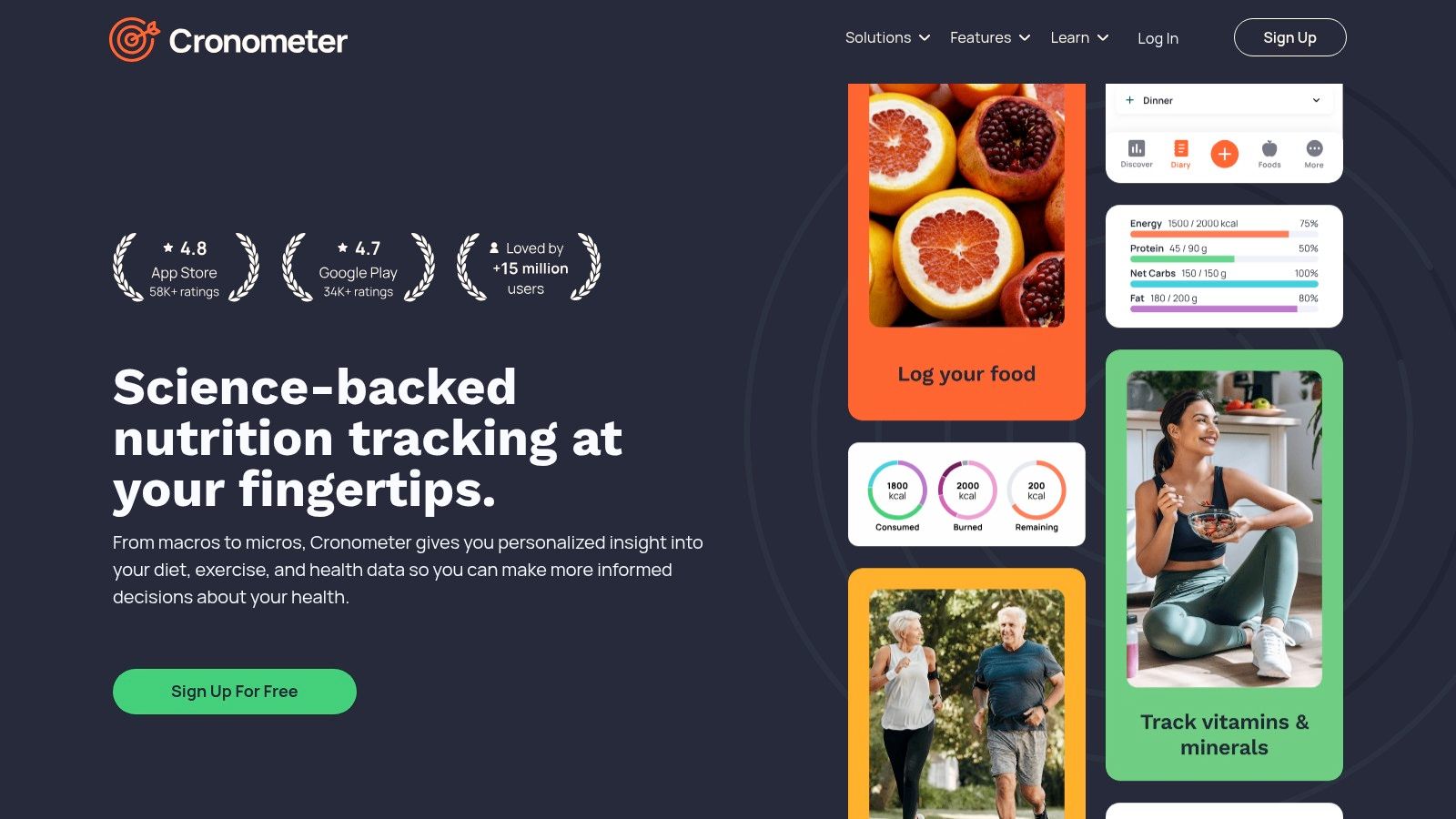
Say your real question isn't calories. It's whether you're getting enough iron, magnesium, or fiber, and where the gap sits across a week. That's Cronometer territory.
It tracks calories plus up to 95 nutrients and compounds, and its food data draws on sources such as the USDA and other curated databases. Detailed reports show vitamins, minerals, and other nutrients in a way a simple calorie diary can't. For someone managing a restrictive diet, that depth is the point, not a bonus.
The free tier is unusually useful. The Basic account includes calorie tracking, free barcode scanning, recipes, and that broad nutrient tracking. Custom foods, meals, and recipes are built in, and exercise, weight, and other health metrics work across web, iOS, and Android.
Where it asks more of you
Depth costs effort at the table. Detailed reports and logging options feel more involved than snapping a photo or picking a quick entry, and a mixed plate still needs breaking into components. At a restaurant, that's real work.
An ad-free experience and added analysis tools are reserved for Gold. I'd choose Cronometer if nutrient adequacy drives your decisions. I'd choose something faster if calories and protein are all you'll ever check.
- Pros: free barcode scanning and broad nutrient tracking, with reports that surface real gaps.
- Cons: more involved logging than a simple diary, and the ad-free version sits behind Gold.
6. YAZIO
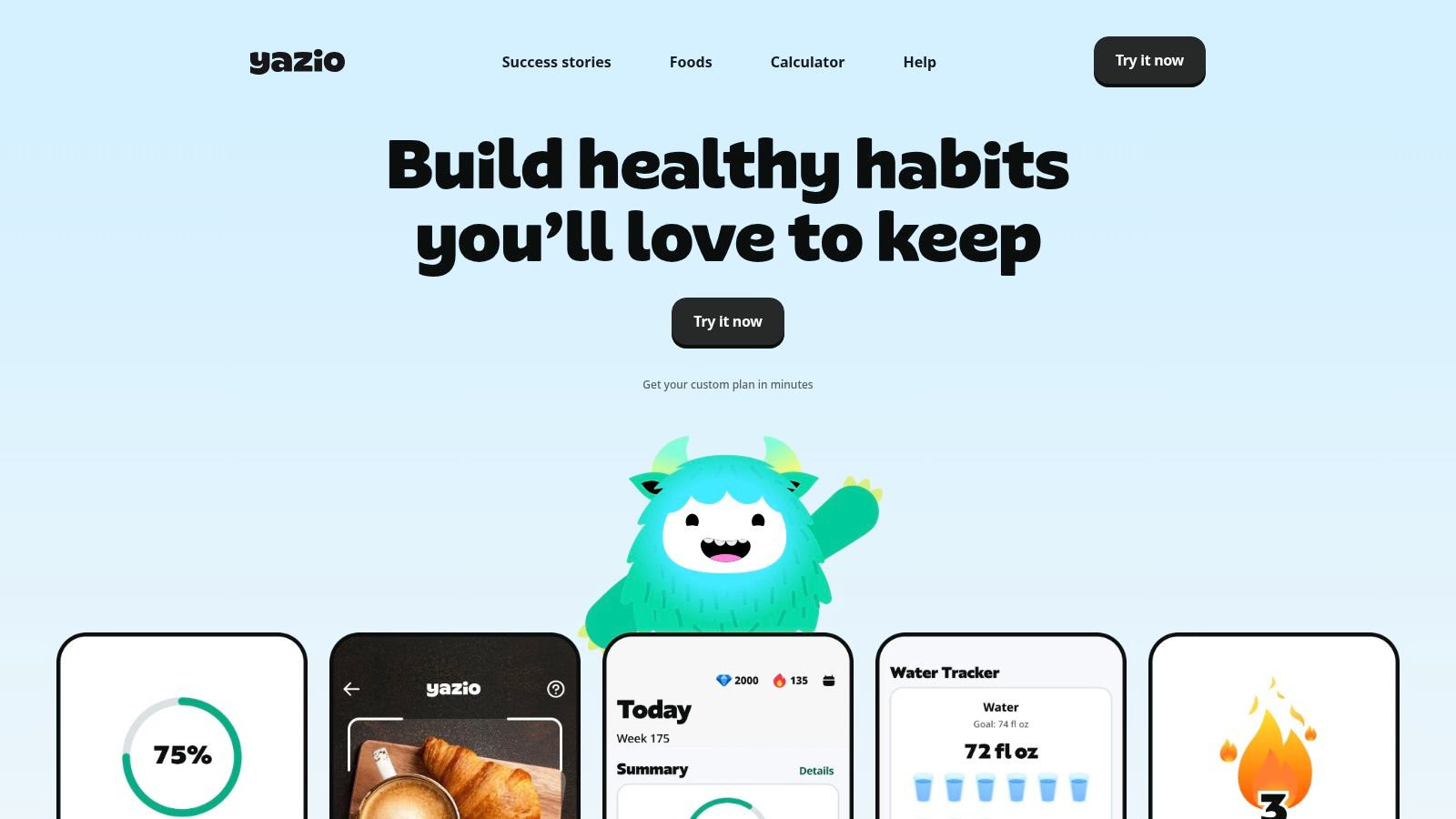
YAZIO tries to answer what to eat, not just what you ate. Calorie and macro logging sit next to recipes, meal planning, water and activity tracking, and intermittent-fasting tools. For someone stuck at the planning stage, that bundle removes a separate decision every evening.
Its Pro plan adds AI meal-photo tracking, and the ingredient and portion estimates can be reviewed and edited before you save. Don't skip that review. A 2025 review of image-based nutrition tools found one system achieved only 39% reliability for portion-size estimation across 58 of 149 tested dishes.
That number isn't about YAZIO specifically. It represents the actual limit of every photo tool, including the ones above it in this list. Recognizing food is easier than judging how much of it is there. Sauces, cooking oils, shared plates, and restaurant portions are where estimates drift, so name the ingredients the camera can't see and fix the portion that looks off.
Use photo estimates for the trend across your week. Correct the obvious errors, then stop chasing a precision no camera can give you.
Barcode scanning covers packaged food, and some fasting tools are limited to Pro. AI photo tracking isn't in the free version, and subscription prices vary by offer and region, so check what you're offered before committing.
- Pros: logging, recipes, planning, and fasting in one app, with editable photo estimates.
- Cons: AI photo tracking requires Pro, and photo portions still need your correction.
7. Calorie Counter by fatsecret
fatsecret is the pick if you want to start today without paying. Its free version covers many core tools: a food diary, barcode scanner, calorie and macro reports, weight tracking, exercise logging, and supported health-app integrations. Community features, badges, and streaks add some accountability.
That free depth answers the question that stalls people before they begin: will I keep logging? A 2021 analysis of 72,084 Google Play reviews covering 15 diet-tracking and calorie-counting apps found an average rating of 4.4 out of 5, with food-intake tracking and weight-management support valued most. The same analysis flagged subscription charges and difficulty adding foods as recurring complaints, which is exactly why a capable free tier earns its place here.
Recent Google Play reviews are generally positive, but some users mention extra steps in food logging, and extra steps are what kill a habit. Premium adds Smart Food Scan, voice logging, and more planning and tracking tools, so the fastest route through a busy Tuesday still costs money.
The weak moment is the packaged snack: because entries are user-contributed, serving sizes and values vary, so the barcode hit you get may not match the label in your hand. Check before you trust it. I'd use fatsecret to prove you'll log for two weeks. If you do, you'll know which paid shortcut is worth buying.
- Pros: many core features free, several logging methods, and community support built in.
- Cons: Smart Food Scan and some planning tools require Premium, and user entries need verification.
How the top calorie counting apps compare on free access, photo logging, macro tracking and best use
| Item | Free Access | AI Photo Logging | Macro Tracking | Best For |
|---|---|---|---|---|
| Calorie Genie AI | Free to download; scanning and tracking require Premium | Available with Premium; estimates can be edited | Personalized calorie and macro targets | Photo-based logging and personalized nutrition guidance |
| MyFitnessPal | Free basic food, exercise, and weight logging | Meal Scan requires Premium | Basic nutrition insights; custom goals require Premium | Broad food database and health-app connections |
| Lose It! | Free calorie and weight tracking | Photo logging may require Premium | Available on eligible plans | Simple calorie-budget tracking |
| MacroFactor | No ongoing free subscription tier | Not mentioned | Adaptive calorie and macro targets | Experienced trackers seeking trend-based adjustments |
| Cronometer | Free Basic account with barcode scanning and nutrient tracking | Not mentioned | Broad nutrient tracking and detailed reports | Tracking calories, vitamins, minerals, and other nutrients |
| YAZIO | Free food diary and tracking tools | Available with Pro; estimates can be edited | Calorie and macro logging | Combining food tracking, recipes, and fasting tools |
| Calorie Counter by fatsecret | Many core tracking tools are free | Smart Food Scan requires Premium | Free calorie and macro reports | Getting started with free food and exercise tracking |
Choose the App You Will Still Open on a Busy Tuesday
Judge each app by the moment where logging usually dies. A restaurant menu kills most trackers. So does a packaged snack when the database search takes too long, or a half-eaten plate you cannot weigh. If restaurants are your weak spot, photo logging and menu ranking matter most. If packaged snacks dominate your week, a fast barcode scanner wins. If you cook at home and care about nutrients, depth beats speed.
Match the tool to that moment. Choose Calorie Genie AI for photo-first logging, plain-language fixes, and restaurant menus. Choose MyFitnessPal if your history already lives there, MacroFactor if you want targets that adapt, Cronometer for nutrient detail, and fatsecret to test the habit for free. Lose It! suits a simple daily budget, and YAZIO fits if planning and fasting matter to you.
Then keep the numbers in their place. Estimates from any tracker are a guide rather than medical advice, and a single photo result is never exact. Watch the trend over a couple of weeks. If your weight is not moving as expected, adjust your target in the app or weigh your most common meals once to recalibrate the portions you log.
Leave yourself an off-ramp. Interview research summarized in a review of diet and fitness app experiences found apps may trigger fixation on numbers, rigid dieting, obsession, and negative emotions for some users. Whether that happens depends on the person and the intensity of tracking. Use flexible targets, allow skipped logs, and treat streaks as a nudge rather than a pass or fail score. If tracking starts increasing distress, step back and talk to a professional.
The best counting calories app is the one still open on a busy Tuesday in week three. A long feature list helps only if the daily log takes under a minute. Download Calorie Genie AI free on iOS or Android, then snap your first meal and see whether photo logging fits your routine.
Snap your next meal instead of searching for it. Calorie Genie AI estimates calories, protein, carbs, and fat from a photo, a barcode, or a restaurant menu, and every ingredient can be adjusted before you save. Download it free on iOS or Android and log your first meal in seconds at Calorie Genie AI.